

Blog
Welcome


Recent posts
SEARCH RESULTS FOR: Albums Design
Pinterest isn’t just a place for recipes or DIY crafts—it’s a powerful search engine and marketing tool for photographers. Pinterest offers a visual-first platform that’s tailor-made for showcasing your photography, attracting dream clients, and driving traffic back to your website. Think of Pinterest as a visual search engine Pinterest works more like Google than Instagram. When people search for ideas like “outdoor engagement shoot” or “newborn photo ideas,” Pinterest shows them curated results based on keywords and visuals. If your content is optimised, To View More >>

Previous | Contents | Download the eBook Oh, you wanted answers?! If you came here looking for answers I’m sorry. But I don’t feel too bad about it! You could sign up to Tony Robbins, for example — spend thousands on him — and he wouldn’t give you answers either. What he would do is entertain you, energise you, inspire you, drop a lot of insights on you — then get you to work out your own answers and write them down in a book! So, yeah — I’m sorry if I haven’t given you answers. What I do hope I’ve done is suggest where you To View More >>
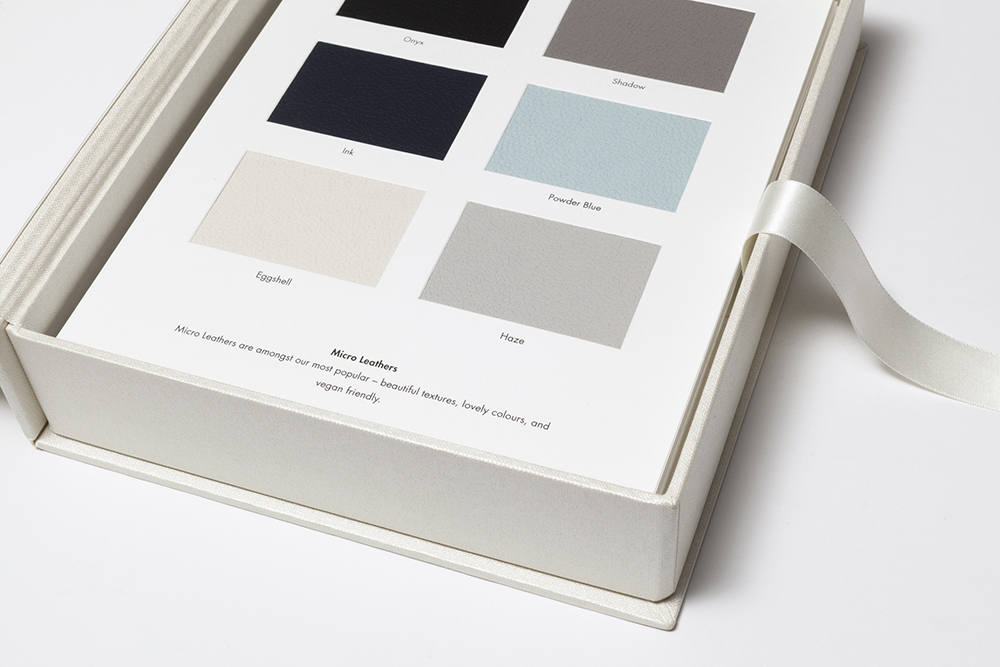
Studios who want to offer "everything Queensberry" have found our starter kits and treasure boxes very useful in the past, but increasingly the data tells us that • Sample Albums are far more effective sales tools, and • not everyone wants to offer all our materials or colours! In fact many studios show nothing but their samples, and offer alternatives only if they're asked. Which is why we’ve redesigned our cover swatches and paper samplers to make them more affordable, and also more flexible — so you can show what you want To View More >>

Take advantage of these three deals this Black Friday. Offer ends Cyber Monday! Our friends at Fundy and Smart Albums are also offering their best deals of the year! Save $100 on your purchase or upgrade today. Click the graphics below to grab the deal. To View More >>
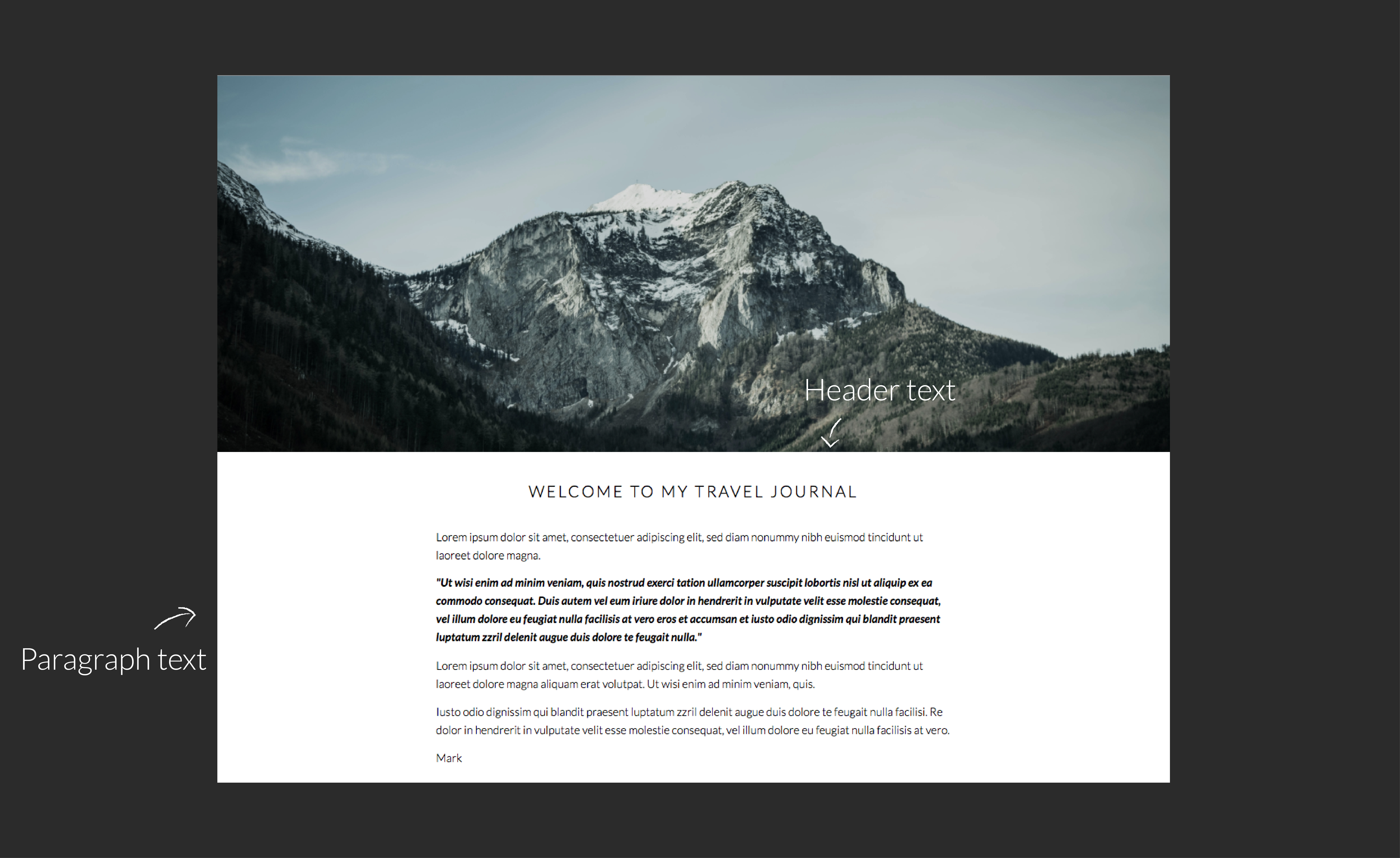
Typography plays an important role in the overall look of websites, so it's no surprise that one of the common things people want to do in Workspace is change fonts. Workspace offers a range that you can select from in the text widgets (as in the graphic) but what if you want something completely different? This tutorial will explain what to do. Warning! This will get a bit geeky, so if you're not comfortable coding CSS and HTML, contact us and for a small charge we can arrange to do the work for you. Otherwise get someone else with the necessary experience, as we To View More >>
Email: info@queensberry.com
Free Phone Numbers:
New Zealand: 0800 905 905
Australia: 1800 146 251
USA: +18668350851
UK: 0800 808 5271
Canada: +1 855 581 0370